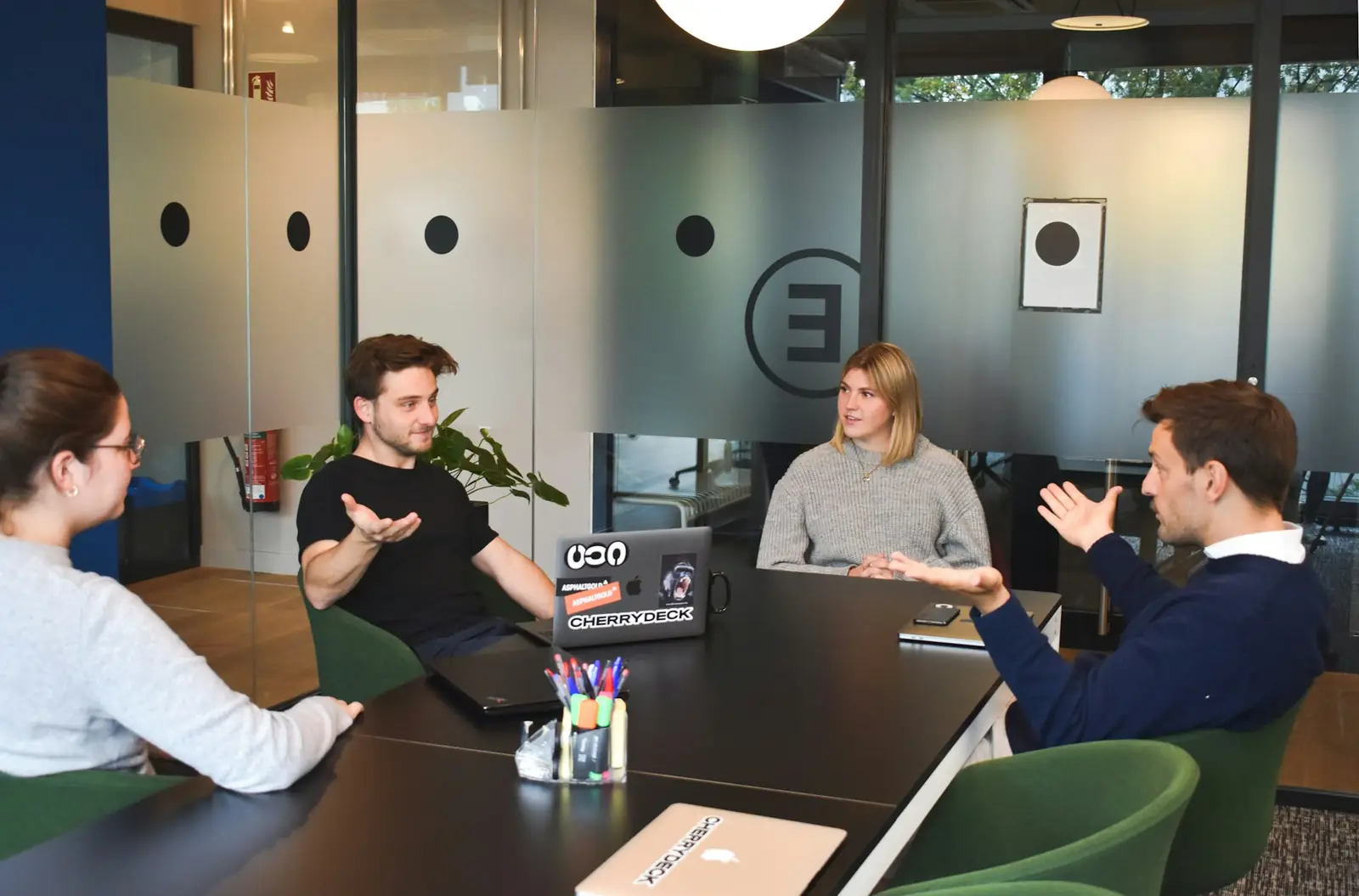
Decide what you need after the call: a transcript, an approved recap or a note in the CRM. Then compare bot-free capture, a visible meeting bot and notes in your existing workspace. Check the dated reviews below, get consent for a pilot and keep a person responsible for decisions and follow-up.
Editorial framework updated 7 November 2026. Individual tool facts and prices retain the source dates shown in their reviews; no hands-on winner is claimed.
Who this is for
Anyone who leaves Zoom, Meet or Teams with nothing written down.
Best fit by constraint
Fireflies.ai
Pro from $10/seat/mo annual; pushes notes into Salesforce, HubSpot, Slack.
Pro $10/seat/mo billed annually ($18 monthly) · Verified 2026-10-26 · Review →
Granola
Device-audio capture; Business $14/user/mo monthly; free Basic with 30-day history.
Business $14/user/mo, billed monthly (no ann… · Verified 2026-10-27 · Review →
Fathom
Free plan lists unlimited recordings + transcriptions for individuals.
Premium $16/user/mo billed annually ($20 mon… · Verified 2026-10-26 · Review →
Otter.ai
Pro $8.33/user/mo annual (watch 1,200 min and 90-min caps).
Pro $8.33/user/mo billed annually or $16.99 … · Verified 2026-10-26 · Review →
Path in 5 steps
- Decide whether a bot in the call is OK with your clients.
- Pilot a free plan for two weeks on real client calls.
- Check where notes need to land (CRM, Notion, Slack, email).
- Count only seats for people who host or join those calls.
- Switch to annual billing once the workflow sticks.
Reviewed tools: scope, billing and verification
| Tool | Job and fit | Price / billing model | Review facts checked |
|---|---|---|---|
| Fireflies.ai | AI meeting assistant that records, transcribes and summarizes your calls across Zoom, Google Meet and Teams, then pushes notes and tasks into your CRM and apps. | Free $0; Pro $10/seat/mo billed annually ($18 monthly); Business $19/seat/mo billed annually ($29 monthly); Enterprise $39/seat/mo, annual only. Volume discounts for 50+ seats. | Plan details and sources |
| Otter.ai | AI meeting assistant that joins Zoom, Teams and Meet, transcribes live, writes summaries and action items, and lets you chat with your meeting history. | Basic free (300 min/mo); Pro $8.33/user/mo billed annually or $16.99 monthly; Business $19.99/user/mo billed annually or $30 monthly; Enterprise via demo. Promos shown separately (first-time subscribers; some only with an India-issued card). | Plan details and sources |
| Fathom | AI meeting notetaker that records, transcribes and summarizes Zoom, Google Meet and Microsoft Teams calls, with a free plan for individuals and CRM sync on team plans. | Free $0 for individuals (unlimited recordings + transcriptions); Premium $16/user/mo billed annually ($20 monthly), individuals; Team $15/user/mo billed annually ($19 monthly), 2-user minimum; Business $25/user/mo billed annually ($34 monthly), 2-user minimum; Enterprise $35/user/mo, annual only (book a meeting with sales). Fathom shows a 90-day guarantee on its plans. | Plan details and sources |
| Granola | AI notepad for meetings that transcribes your computer audio without a meeting bot, then turns your rough notes into clean summaries, action items and follow-ups. Free plan with 30 days of history; Business $14/user/mo. | Basic $0 (unlimited meeting notes, history limited to the last 30 days); Business $14/user/mo, billed monthly (no annual option on Business); Enterprise from $35/user/mo, monthly or annual. No seat minimum on any plan. | Plan details and sources |
| Notion (Business with AI) | Docs, wiki, projects and databases in one workspace; the Business plan adds Notion Agent, access to Custom Agents (credit-funded), AI Meeting Notes, Enterprise Search and SAML SSO. | Free $0; Plus $10/seat/mo billed yearly ($12 monthly); Business $20/seat/mo billed yearly ($24 monthly), includes Notion Agent, AI Meeting Notes, access to credit-funded Custom Agents and 1,500 Standard + 500 Select AI credits per seat/month; Enterprise custom. | Plan details and sources |
| Fyxer AI | AI assistant for Gmail and Outlook that sorts your inbox, drafts replies in your tone, takes meeting notes and keeps a live follow-up list, with shared Spaces for teams. | Free $0 (400 credits/mo). Pro $37/person/mo billed annually or $49 monthly. Team $64/person/mo annually or $99 monthly. Enterprise: annual contract. 14-day trial; launch offer of unlimited credits for the first 3 months. | Plan details and sources |
Dated review facts, not new quotes. Annual equivalents, trials, promotions and usage pools are not interchangeable. Confirm currency, tax and checkout terms.
Choose an AI meeting note taker by the work after the call
What is missing after your calls: a transcript, a client recap, a list of decisions or a note filed against the right CRM account? Those aren't the same output. A consultant may need something a client can approve. A sales team may need notes attached to an opportunity. A project team may just need owners and deadlines in the workspace it already uses. Decide which record you need before shopping for a recorder.
We put our meeting-tool reviews, comparisons, alternatives and guides together here so you can make that choice. This is research from vendor documentation, not a transcription-accuracy contest. We haven't used the tools in a completed hands-on test and don't present proposed pilots as if we had. There are no invented customer ratings behind the recommendations. Each linked review keeps its own pricing and feature verification dates; editing this hub doesn't make those checks newer.
Capture style: bot, device audio or an existing workspace
First, consider how your calls happen. A visible meeting bot may be fine when attendees and administrators allow it. Device-audio capture avoids adding a participant, but it needs a supported device and operating environment. Notes inside a workspace can keep the output near the project. Recaps inside an existing meeting platform may require a particular licence. Don't infer that your plan supports a capture method just because it appears on the vendor's home page.
Granola's pricing page, opened 7 November 2026, lists bot-free device-audio capture. Two tools we haven't reviewed in full come up in the same searches: Littlebird, a desktop assistant that also keeps a screen memory (Granola vs Littlebird), and Circleback, which offers both a bot and a bot-free desktop app (Circleback vs Fathom). Fyxer's pricing FAQ instead describes joining video calls as a participant, with controls for the host to admit or remove it. Our Notion review covers workspace notes; the Fireflies, Fathom and Otter reviews spell out their capture methods and plan limits. Pick a shortlist from those details. Then check the actual combination you need: your meeting platform, device, guest policy and the destination for the notes.
Consent is a workflow requirement, not a feature checkbox
Bot-free doesn't mean permission-free. Recording and transcription rules depend on who is attending, where they are, the kind of conversation and your organization's policy. Agree who will explain the capture and how someone can decline. Also decide how you'll take notes when a call must remain unrecorded. Use safe sample material in a pilot. For sensitive client or employee calls, ask your legal or privacy owner rather than relying on this hub, which isn't legal advice.
The sharing settings matter after the call, too. Who can see the recording, transcript and summary? A private project's recap can expose its contents if it goes to an overly broad list. Check participant emails, external guests and default access. In a proposed test, give one attendee access to the summary and deliberately withhold it from another. Then verify both results. A polished recap is no use if the wrong person receives confidential material.
Compare plans on history, limits and useful integrations
When a plan says “unlimited”, ask: unlimited what? Recordings, notes, transcription and history aren't interchangeable. AI summaries, uploads, exports and advanced integrations can still have caps. In our current Granola check, Basic has 30-day history and Business lists unlimited history. That doesn't tell you what another vendor's free plan includes. Open the dated review and check the allowance for the operation you need, rather than comparing the word “unlimited” across pricing cards.
Occasional personal recording may fit a free plan. A shared team may need a longer archive, CRM connection, centralized administration or enforceable deletion rules. Count who actually captures meetings; not everyone who reads a recap necessarily needs to create one. Check whether the product distinguishes those roles. A lower seat price can leave you with a higher bill if you must buy extra seats or upgrade again to get the integration that finishes the work.
Where the note must land: CRM, project or shared knowledge
For sales calls, test whether the note lands against the right account, contact and opportunity. A green “connected” status isn't enough. For a client project, check the destination page or folder and its readers. In a knowledge workspace, decide which notes belong in a lasting reference and which should expire. Keep one approved version of the final decision. Otherwise a later search can return two plausible notes that disagree about what was promised.
We would keep a review step before automatic handoff. A summary can miss a qualification, assign an action to the wrong person or make a suggestion sound like a commitment. Someone should approve client follow-ups and consequential field updates. If you later automate that work, the automation hub covers duplicate prevention, error handling and ownership of failures. Passing the note into another app doesn't remove the need to know who checks it.
A realistic cost worksheet for a small team
Make a worksheet with separate columns for the people who capture calls and those who only read notes. Add expected meeting hours, file uploads, archive needs and destination integrations. Keep monthly billing separate from annual billing. A monthly equivalent on a yearly plan isn't a cancel-anytime subscription. Include minimum seats, credits and any documented renewal price. When a price isn't stated, write “unknown”. Putting zero in that cell will make the comparison look cheaper without making it true.
The meeting-notes cost calculator is a starting worksheet; each linked review explains the dated assumptions. Fyxer shows why you also need to count the type of work: sorting email, recording meetings and using chat can all consume credits. Notion distinguishes seat entitlements from workspace-managed credits. If your intended setup combines inbox and meeting work, one headline price won't tell you its ongoing cost. Follow the allowances through each part before estimating a normal month's bill.
Test summary quality without inventing an accuracy score
For a proposed quality test, choose calls that reflect your work: a routine update, a technical discussion, unfamiliar names and a deadline that changes during the conversation. Get consent and write the expected decisions and actions independently. Does the summary keep the final decision, identify the right owner and preserve uncertainty? Check important passages against the source. A smooth paragraph can be wrong about the one thing the client needed you to remember.
Keep the rejected notes as well as the good ones, with a reason for each rejection. A mostly correct summary can still get a contract amount or a client commitment dangerously wrong. Don't turn a few subjective checks into an impressive-looking accuracy percentage. Ask instead how much review your team needs before it can rely on the note. Does that leave less work than the existing process? We haven't carried out these tests for the linked products.
Roll out capture, review and follow-up as separate stages
Begin with one owner and one recurring type of meeting. Agree the notification wording, the review step and where approved notes will live. Keep the manual method available so a failed capture doesn't leave you without a record. Only expand after checking permissions, exports and review. Any pilot length you choose is a planning decision, not a guarantee about how quickly the vendor's product can be implemented. The first useful result is a process your team can actually repeat.
After review, each agreed action needs an owner and a due date. Don't buy another assistant just to rewrite the same recap. If drafting and handling email after meetings is the slow part, compare the AI email hub before adding a recorder. Combining tools is worthwhile when it removes a real step. It isn't worthwhile simply because a larger bundle has more features printed on the pricing page. Keep the purchase tied to the work that still isn't getting done.
Retention, offboarding and switching tools
Set retention periods for the raw recording, transcript and approved note separately; you may need them for different lengths of time. Check automatic deletion, administrator controls and user exports. Before replacing an archive, export a sample with the structure and attachments you need. A text download may not preserve speaker labels, links or permissions. Finding that out before the switch is much easier than trying to reconstruct a client record after the old account has gone.
During a switch, allow a short overlap and compare the approved notes, rather than sending everyone two automatic recaps. Check exports and accept the replacement before removing the old calendar access and integrations. Decide who owns the account if an employee leaves. A cheap personal plan without a continuity arrangement can be a worse fit than a broader plan with the right controls. Price the subscription, but also check whether the business can keep its records when people change roles.
Navigate the cluster without buying duplicate features
Use the links for the decision in front of you. A review explains one product, a comparison helps with a two-product choice and an alternatives page starts with reasons to leave. The small-team guide narrows the shortlist. The Google Meet and Microsoft Teams guides cover the constraints of those platforms. You don't need to open every product in the directory, and the longest feature list won't necessarily produce the note you need after your next call.
Before purchasing, return to the selected plan and confirm currency, tax, minimum seats and any features funded by usage. Allowances and vendor claims change; the reviews carry the dates of the facts used here. It is also fine to keep the current system. If it already captures accurate notes with consent and gets agreed actions to the right people, a replacement needs to fix something specific. Better follow-through is the reason to buy, not the arrival of another recorder.
Tools in this hub

Fireflies.ai
Meeting Notes & AdminAI meeting assistant that records, transcribes and summarizes your calls across Zoom, Google Meet and Teams, then pushes notes and tasks into your CRM and apps.

Otter.ai
Meeting Notes & AdminAI meeting assistant that joins Zoom, Teams and Meet, transcribes live, writes summaries and action items, and lets you chat with your meeting history.

Fathom
Meeting Notes & AdminAI meeting notetaker that records, transcribes and summarizes Zoom, Google Meet and Microsoft Teams calls, with a free plan for individuals and CRM sync on team plans.

Granola
Meeting Notes & AdminAI notepad for meetings that transcribes your computer audio without a meeting bot, then turns your rough notes into clean summaries, action items and follow-ups. Free plan with 30 days of history; Business $14/user/mo.

Notion (Business with AI)
Meeting Notes & AdminDocs, wiki, projects and databases in one workspace; the Business plan adds Notion Agent, access to Custom Agents (credit-funded), AI Meeting Notes, Enterprise Search and SAML SSO.

Fyxer AI
Customer Support & ChatbotsAI assistant for Gmail and Outlook that sorts your inbox, drafts replies in your tone, takes meeting notes and keeps a live follow-up list, with shared Spaces for teams.
Complete topic library
Reviews and switching guides
- Fireflies.ai review · Fireflies.ai alternatives
- Otter.ai review · Otter.ai alternatives
- Fathom review · Fathom alternatives
- Granola review · Granola alternatives
- Notion (Business with AI) review · Notion (Business with AI) alternatives
- Fyxer AI review · Fyxer AI alternatives
Related editorial comparisons (18)
- ChatGPT Business vs Notion (Business with AI)
- Fathom vs Fireflies.ai
- Fathom vs Gong
- Fathom vs Granola
- Fathom vs Otter.ai
- Fireflies.ai vs Gong
- Fireflies.ai vs Granola
- Fireflies.ai vs Notion (Business with AI)
- Fireflies.ai vs Otter.ai
- Fyxer AI vs Granola
- Fyxer AI vs Microsoft 365 Copilot
- Fyxer AI vs SaneBox
- Fyxer AI vs Superhuman Mail
- Glean vs Notion (Business with AI)
- Gong vs Otter.ai
- Granola vs Notion (Business with AI)
- Granola vs Otter.ai
- Notion (Business with AI) vs Otter.ai
Buying guides and workflow resources
- Meeting notes stack
- Small-team meeting notes buying guide
- Meeting-notes cost calculator
- Zoom note takers (built-in vs add-on)
- Free-plan limits explained
- Granola vs Littlebird (bot-free notes)
- Circleback vs Fathom (summaries and pricing)
- Google Meet assistants
- Microsoft Teams assistants
Tables draw from the source lists in each linked review, with the verification dates shown above. Editorial guidance updated 7 November 2026 is not a claim that every price was rechecked that day. Newly checked sources relevant to this hub: Granola pricing; Fyxer pricing; Notion credits; opened 7 November 2026.
FAQ
Which AI meeting note taker is best for a small team?
Choose by capture style, consent, destination, history and administration. The linked reviews and comparisons provide dated plan facts; this hub does not claim a tested accuracy winner.
Does unlimited recording mean unlimited everything?
No. History, AI summaries, uploads, credits, integrations and seat requirements can have separate limits. Check the exact plan and billing cadence.
Can we skip consent with bot-free capture?
No. Capture style does not determine permission. Notify participants and follow applicable law and company policy.